 EchoPad
Settings
Every setting, what it does and its default.
Settings save as you change them.
Recording
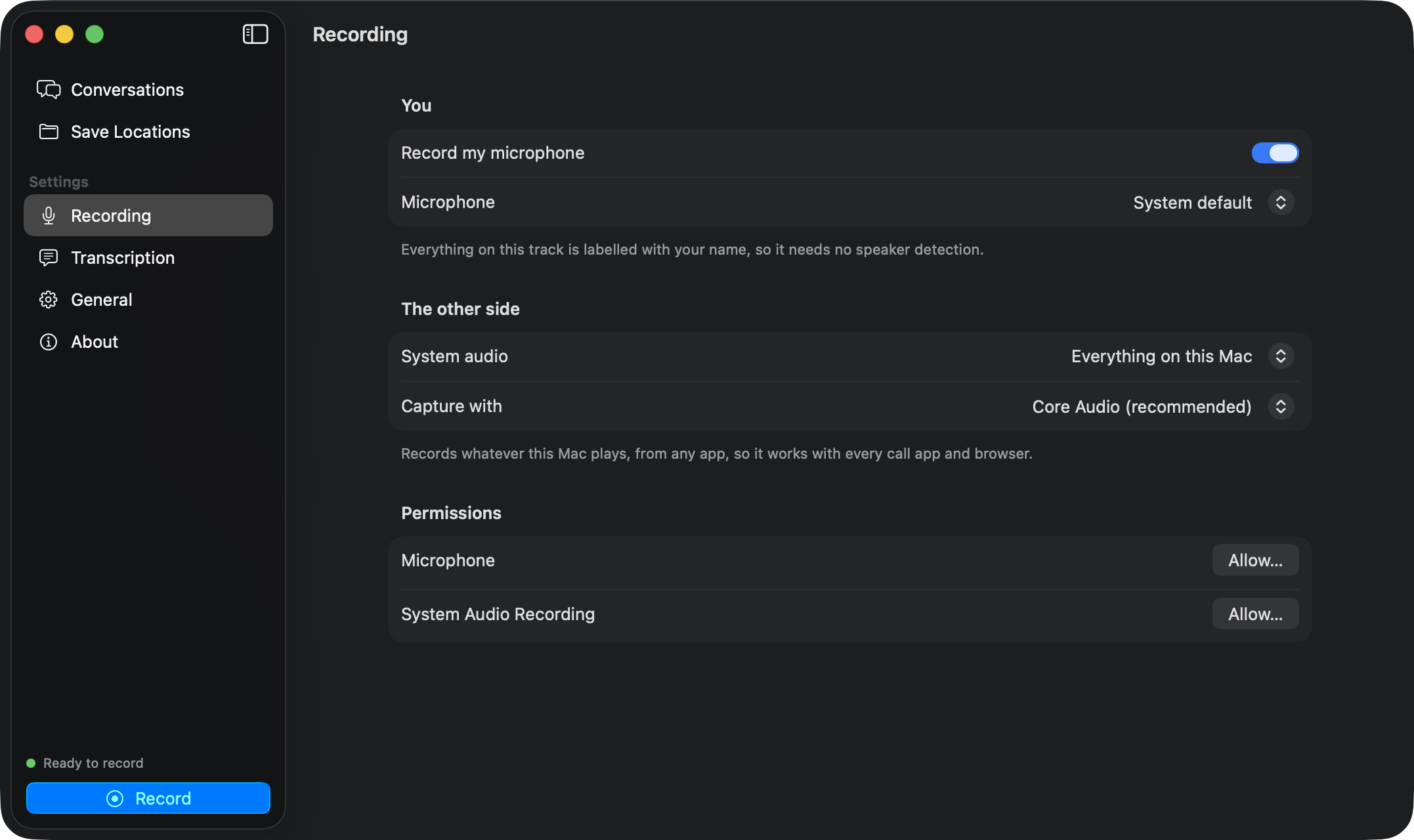
| Setting | Default | What it does |
|---|---|---|
| Record my microphone | On | Records your side. Off records only the system audio, for webinars and videos. |
| Microphone | System default | The input device. |
| System audio | Everything on this Mac | Or only the meeting app, only apps you pick, or off. |
| Capture with | Core Audio | Core Audio process taps. ScreenCaptureKit is a fallback for unusual setups. |
Permissions shows the state of Microphone and System Audio Recording, with a button to fix each.
Transcription
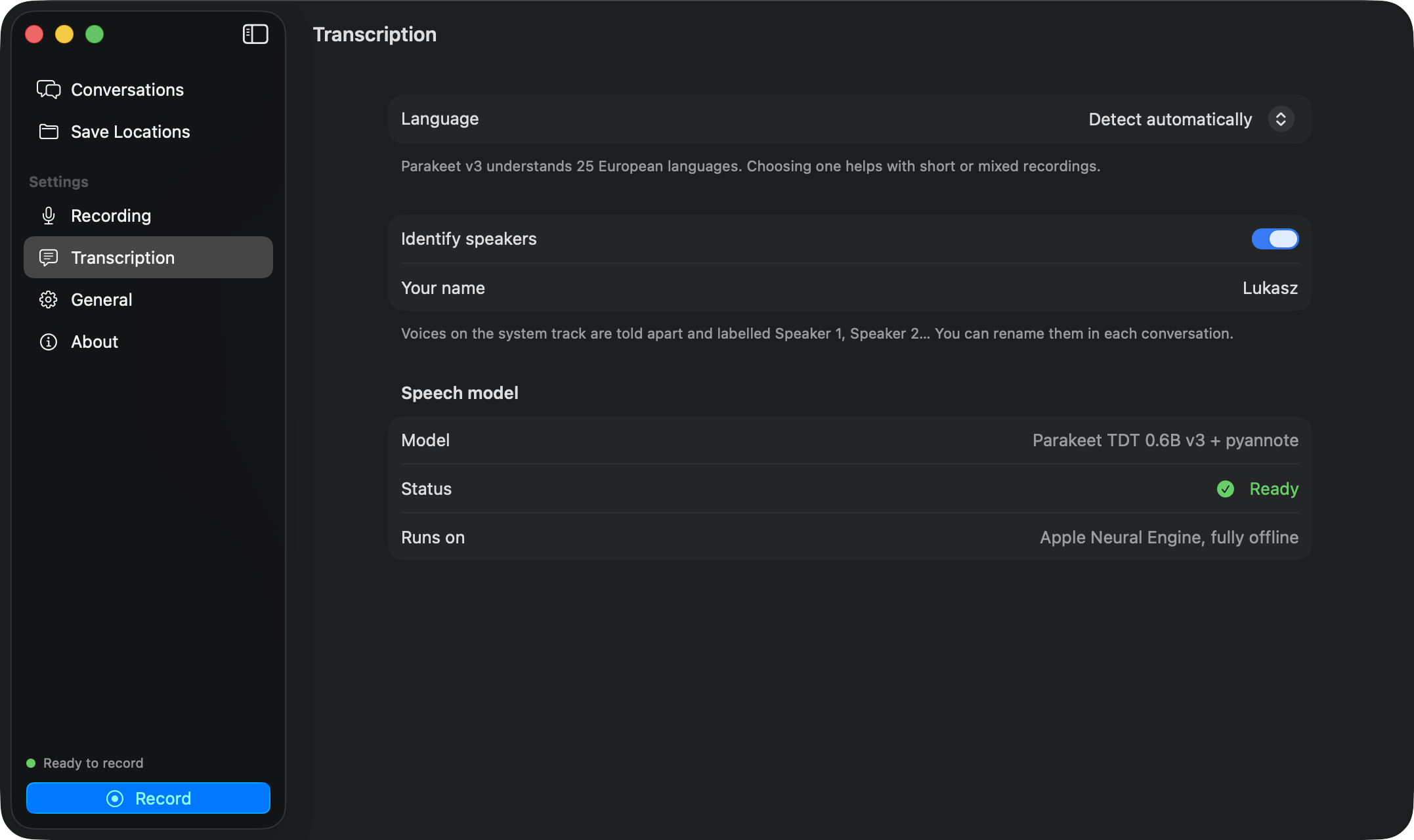
| Setting | Default | What it does |
|---|---|---|
| Language | Detect automatically | See Languages. |
| Identify speakers | On | Splits the system track into Speaker 1, Speaker 2… |
| Your name | Your first name from macOS | The label for everything on the microphone track. |
Speech model shows whether Parakeet is loaded and lets you retry a failed download.
General
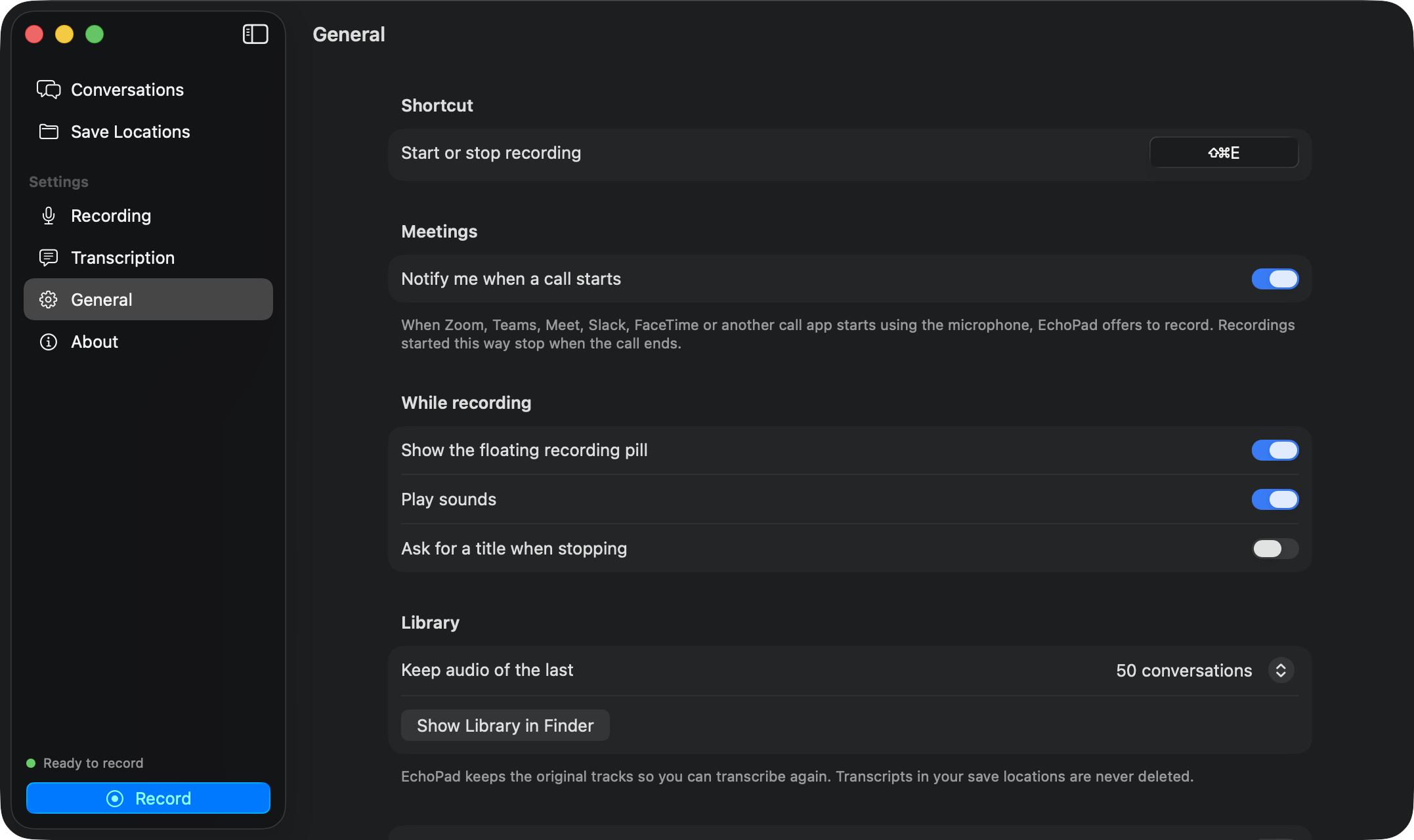
| Setting | Default | What it does |
|---|---|---|
| Start or stop recording | ⇧⌘E | Click and press a new combination. |
| Notify me when a call starts | On | See meeting detection. |
| Show the floating recording pill | On | |
| Play sounds | On | Short sounds on start and stop. |
| Ask for a title when stopping | Off | Otherwise the title is “Zoom call” for a detected meeting, or “Morning conversation”, “Afternoon…”, “Evening…”. |
| Open at login | Off | |
| Keep audio of the last | 50 conversations | Older tracks in the library are deleted; transcripts stay. None keeps no tracks. |
Show Library in Finder opens ~/Library/Application Support/EchoPad/Library.